AI for Accounts Payable: From Invoice to Approval
How AI handles supplier invoices from receipt to approval, and which payment steps should stay with people.
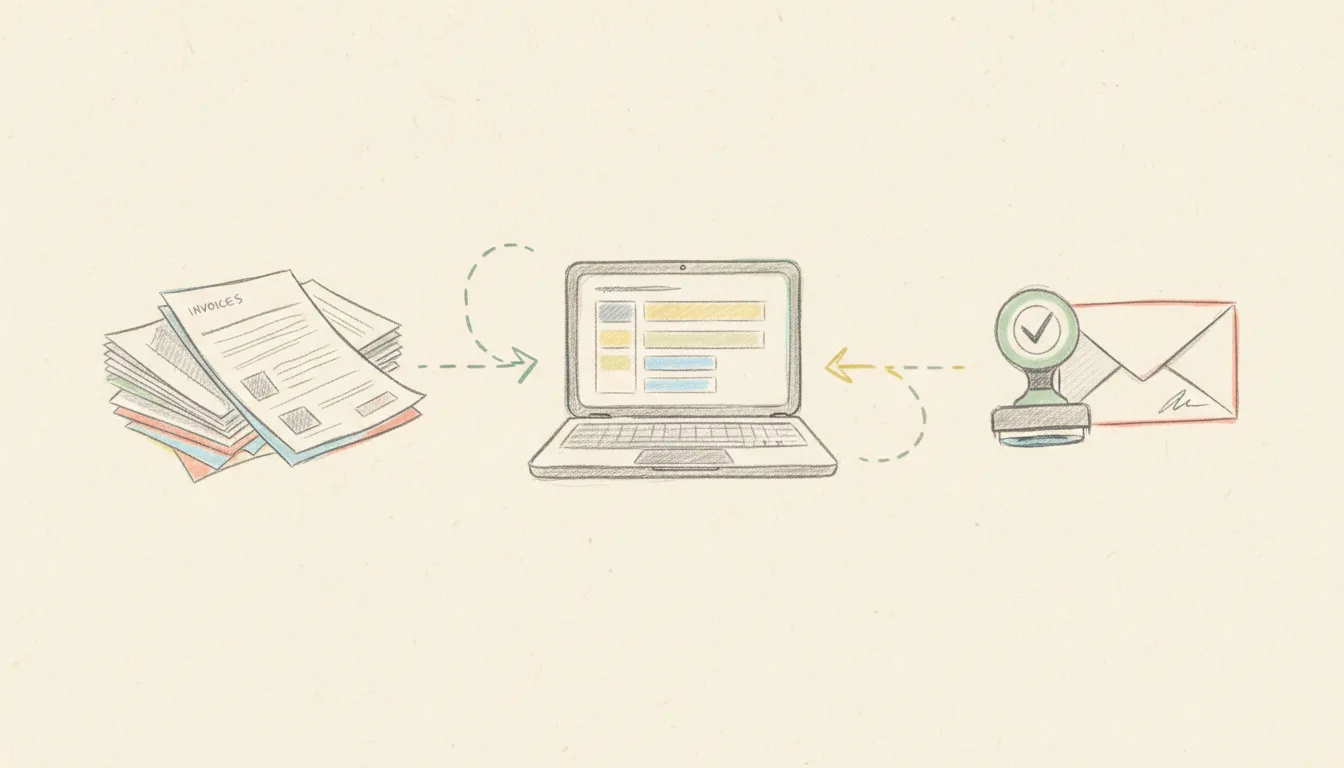
Accounts payable is one of the most practical places to use AI in finance, because the work is high in volume and follows clear rules. AI now reads invoices, codes them, matches them to purchase orders and routes them for approval. The steps that move money, such as changing a vendor's bank details and releasing a payment run, should stay with people and existing controls.
The AP process, step by step
| Step | What AI does well | What stays with a person |
|---|---|---|
| 1. Intake | Collects invoices from a shared inbox or upload folder and removes duplicates | Deciding which inbox and which senders are trusted |
| 2. Capture | Reads vendor, invoice number, dates, amounts and line items from PDFs and scans | Checking low-confidence fields the system flags |
| 3. Coding | Suggests GL account, department and project from the vendor's history | Coding new vendors and unusual purchases |
| 4. Matching | Matches invoice lines to PO and receipt lines and flags price or quantity differences | Resolving mismatches with purchasing or the vendor |
| 5. Approval | Routes each bill to the right approver based on amount, department or project | Approving the spend |
| 6. Payment | Proposes a payment run based on due dates, discounts and cash position | Releasing the payment and approving any bank detail change |
What the main systems offer
Sage Intacct. Sage's AP Automation reads uploaded bills and identifies vendors, amounts, dates and line items. Sage says its AP tools cover the workflow from purchasing and bill entry to classification, PO matching and payments, and its R1 2026 release added AI line-level matching.
QuickBooks Online. Intuit's Accounting Agent focuses on categorizing transactions and reconciliation. Companies with a heavier AP workload often add a dedicated AP tool that connects to QuickBooks.
Dedicated AP tools. Products such as BILL, Ramp, Stampli, Tipalti and AvidXchange specialize in invoice capture, approvals and payments, and connect to most mid-market accounting systems. They are worth comparing if your system's own AP features are limited or you pay many vendors internationally.
Using a general assistant for AP exceptions
Even with automation, a list of exceptions builds up: invoices without a PO, price differences, and bills waiting on an approver who is on leave. A general assistant on a business plan can sort that list quickly from an export.
Controls to keep
Bank detail changes. Requests to change where a vendor is paid are a common route for payment fraud. Verify every change by calling the vendor on a number you already have on file, and never let an automated workflow approve a change on its own.
Segregation of duties. The person who sets up vendors, the person who approves bills and the person who releases payments should not be the same. Check that automated routing has not merged these roles.
Capture errors. AI can misread a handwritten invoice, a poor scan or a credit note that looks like an invoice. Keep a person reviewing anything the system marks as low confidence.
Duplicate payments. Two copies of the same invoice, one by email and one by post, can slip through if invoice numbers are formatted differently. Run a duplicate check before each payment run.
How to roll it out
- Measure today's process. Count invoices a month, the average days from receipt to approval, and how many invoices have exceptions.
- Turn on capture and coding first. These save the most time with the least risk, and you can check every result during the first month.
- Add PO matching next. Set price and quantity tolerances with purchasing so the system flags only differences that matter.
- Automate approval routing last. Map the routing rules to your approval policy, and test them on a month of past invoices before you switch them on.
Free buyer's guide
The Spend Management Buyer's Guide
How to evaluate modern tools that automate procure-to-pay, corporate cards and vendor payments.
Last checked 20 November 2026 against vendor documentation from Sage and Intuit. This is an independent guide, and no vendor reviewed or paid for it.
Sources: Sage Intacct help, "Get to know Sage AI"; Sage, "Sage unveils AI-powered roadmap" (June 2025); CPA Practice Advisor, "Sage adds new AI functions to Intacct" (February 2026); Intuit, "Innovations and AI agents coming to QuickBooks Online". All checked 20 November 2026.
Related Articles