Acumatica AI: AI Studio, the AI Assistant and Agents Explained
What Acumatica's AI Studio, AI Assistant and agents do, and what arrived in the 2026 releases.
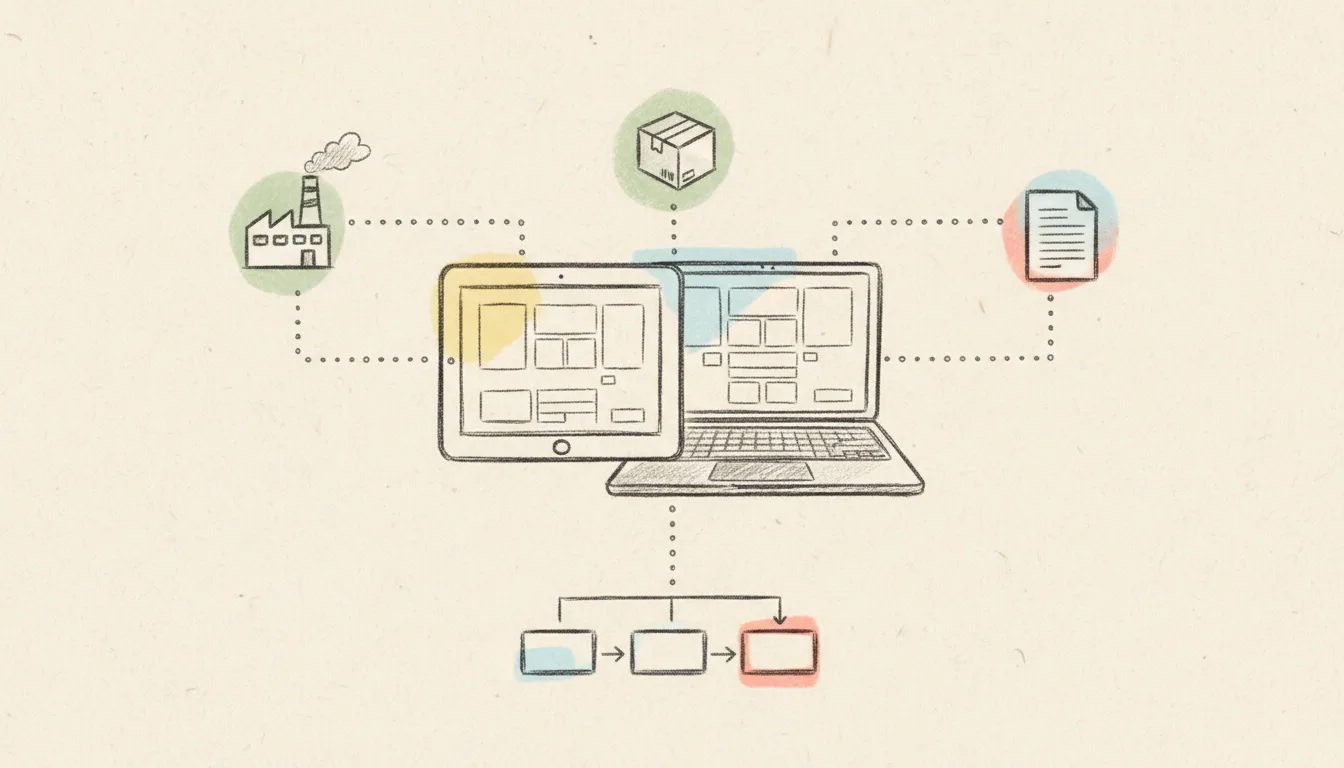
Acumatica's AI is built around three pieces. AI Studio lets business users build AI-powered workflows from plain-language prompts. The AI Assistant answers questions about ERP data in conversation. And, from the 2026 R2 release, agents can start automatically from business events and pass work to other agents or automated steps, running under the user's existing access rights. Document recognition and expense capture cover the everyday finance work.
What arrived in 2026
2026 R1 (generally available in March 2026) brought AI Studio to customers, a set of tools for creating and deploying AI-powered workflows, along with early access to Acumatica's AI Assistant ahead of its general availability.
2026 R2 (generally available on 1 October 2026) added agents. According to Acumatica's release overview, users create agents with plain-language instructions and save them for reuse. An agent can start automatically from a business event, an import or export scenario, or an existing workflow. Agents can review records, retrieve supporting data, write conclusions to the record and pass results to other steps.
Controls built in
- Existing access rights. Agents run under existing access rights, so they cannot see more than the role allows.
- Field masking. Administrators can mask selected fields before a record is sent to a large language model; Acumatica replaces the values with placeholders and restores them when the response comes back.
- Spending controls. Acumatica added warnings when AI usage approaches set thresholds.
- Outside AI tools. Published generic inquiries can be exposed as tools for connected AI agents, so you choose exactly which data an outside assistant can query.
Everyday features
Acumatica says document recognition can create bills from vendor invoices and expense automation can capture receipt data. These are the easiest place to start, because each result can be checked against the original document.
Three agents worth building first
- Late purchase order follow-up. When a PO passes its promised date without a receipt, the agent summarizes the order and drafts a follow-up note to the supplier for a buyer to send.
- Credit hold review. When a sales order goes on credit hold, the agent pulls the customer's aging and payment history and writes a short summary for the credit manager.
- Close checks. At month end, the agent lists unposted batches, open receipts without bills and other items that commonly delay the close.
In each case the agent prepares the information and a person makes the decision. Start with read-and-summarize agents before you let any agent change records.
Where this breaks
Some features arrive as early access before general availability, so confirm what is live on your version. AI usage has a cost, so set thresholds before you scale up. An agent that writes to records can spread a mistake quickly; test each one on a sandbox or a single branch first. As with any ERP, the answers are only as good as the data behind them.
Free comparison report
Top 23 ERP Software Vendor Comparison Report
23 leading ERP vendors across enterprise, mid-market and SMB, with features, pricing, implementation complexity and a vendor scorecard.
Last checked 20 November 2026 against Acumatica's announcements and coverage of its 2026 R1 and R2 releases. This is an independent guide, and no vendor reviewed or paid for it.
Sources: Acumatica, "Acumatica 2026 R1" (23 March 2026); Business Wire, "Acumatica highlights AI-enabled innovation at Summit 2026"; ERP Today, "Acumatica 2026 R2 puts AI agents and outside AI tools inside ERP controls"; Accounting Today, "Acumatica's latest version includes data warehouse, MCP support"; Acumatica, "Automating AI". All checked 20 November 2026.
Related Articles